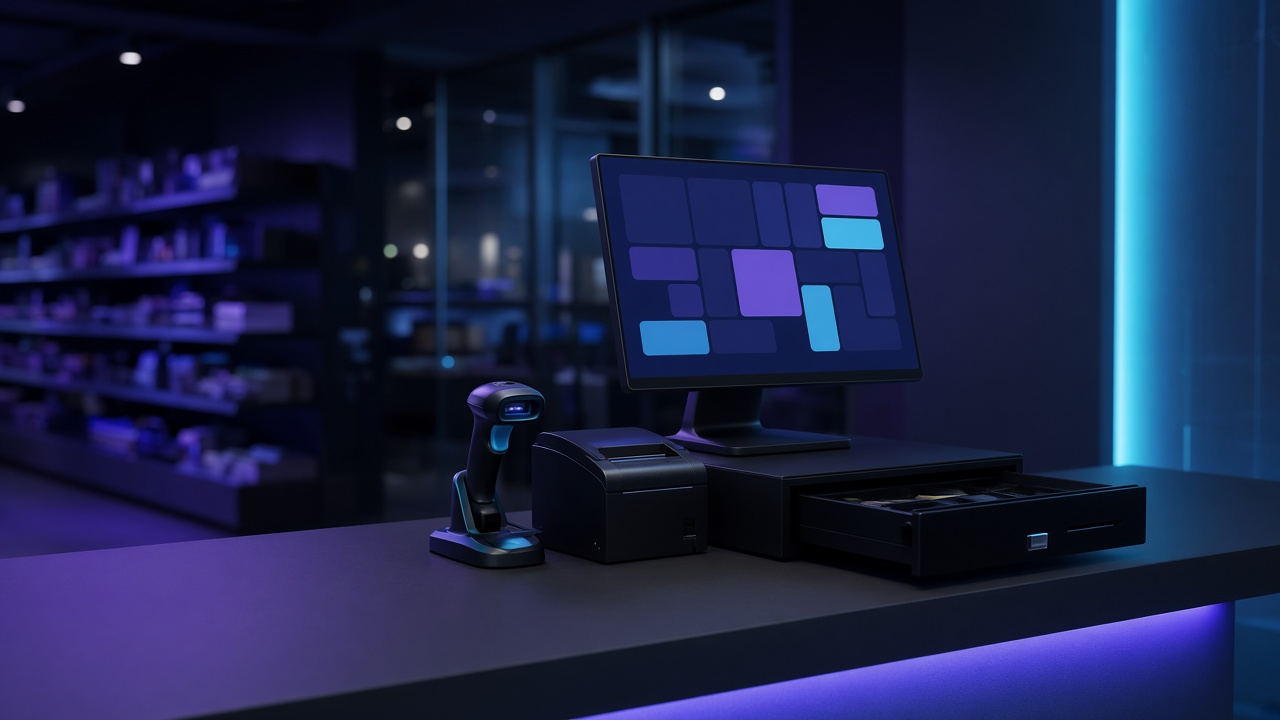
Most retail checkout shortlists start with a monthly price and a screenshot of a dashboard. The shop floor starts somewhere else: a queue, a barcode that will not scan, a card terminal that timed out, and a cashier who needs the next customer moving. This guide is the checklist Codex Thrill uses before recommending a till, including the questions that decided the shape of Codex Retail.
Start from the lane, not the dashboard
A retail checkout is a tool for the person standing at the counter. If that person cannot finish a sale when the shop router reboots, the reporting module does not matter yet. Write down a normal noon hour: how many items, how payment is split, whether a manager has to approve a discount, and what happens when the receipt printer jams. That hour is the acceptance test. A vendor demo that only shows a product catalogue on a fast office connection has not been tested against it.
Ask who else touches the sale after the receipt prints. Stock, the accountant, a second till, and in some markets a tax gateway all need a copy. If those copies are retyped, the retail checkout has not removed work. It has moved it.
- Watch a real rush hour before you score features
- Treat the cashier’s path as the acceptance test
- List every system that must receive the sale
Offline is a product decision
“Cloud retail checkout” often means the sale is not a sale until a remote server agrees. That is acceptable in a cafe with a stable line and painful in a store where the uplink is shared with cameras and guest Wi-Fi. Offline-first means the till can price the basket, take the tender, open the drawer and print the receipt from local data, then sync. It also means conflicts are designed: two tills selling the last unit, a refund on a ticket the other till has not seen yet, a price change made while a lane was dark.
Ask the vendor to unplug the network during the demo and complete a sale. If the answer is a slide instead of a receipt, you have learned enough. Codex Retail was built this way on purpose: a local SQLite database, Rust services for the durable work, and a TypeScript kiosk that does not wait on a round trip to take payment.
Hardware is part of the software
Receipt printers, barcode scanners and cash drawers fail in boring, expensive ways. A scanner that only works through a browser plugin, a drawer that opens on a timer instead of a successful tender, or a printer that needs a driver the next Ubuntu update will remove, will cost more than the licence. Prefer hardware with a documented protocol and a kiosk image you control. Ubuntu as a locked-down counter OS is a reasonable default when you do not want cashiers installing anything.
Budget for a spare scanner and a spare printer. The retail checkout project is not finished when the happy path prints once in the office.
- Receipt printer with a known command set
- Scanner that works as a keyboard or a documented SDK
- Drawer that opens only after a completed tender
- A kiosk image, not a general-purpose desktop
Currency, language and tax are not themes
A till that can show a second language is not the same as a till a cashier can run in that language under pressure. Labels, tender names, error text and the receipt all have to switch, and the layout has to survive a longer Arabic string as well as a short English one. Currency is similar. EUR, USD and SAR are not a dropdown if rounding, minor units and the amount printed on the receipt disagree.
Tax is a separate product. In Saudi Arabia, a sale may also need to become a ZATCA e-invoice. That should be a gateway with its own status, not a modal that blocks the queue while a remote call runs. See the e-invoicing guide on this site before you assume a generic retail checkout “supports KSA”.
Sync, stock and the second till
The second lane is where offline designs prove themselves. Both tills need a catalogue. Both need to know that an item was sold. Neither should block because the other is mid-sync. Define what is allowed to be briefly wrong: a stock count that catches up, versus a payment that must never duplicate. Till-to-till sync is a feature you should see in the data model, not only in a marketing line.
Ask how a new till is enrolled, how a dead till is replaced without losing its unsynced tickets, and who can see today’s totals. End of day is part of choosing a retail checkout. If the drawer and the report cannot be reconciled by the person closing the shop, the system will be bypassed with a notebook.
Contracts, data and a way out
You should be able to export tickets, tenders and items without begging the vendor. You should know where the database lives, who can read card references, and how long receipts are kept. Avoid a contract that makes the hardware useless if the subscription lapses in the middle of a Saturday. Price the implementation, the hardware, the training of two cashiers and a manager, and the first year of changes. The licence line is rarely the cost that hurts.
A good shortlist has two or three systems that survive the unplugged-network test and the hardware test. Pick the one whose operator you can still reach when the printer fails on a holiday, and whose data you can leave with.
Conclusion
Choose a retail checkout by the sale you must still complete when the shop is busy and the network is not. Offline behaviour, hardware, language, currency, tax and a second till matter more than a dashboard. Codex Retail is the version of those answers Codex Thrill runs in stores; another shop may need a different fit, and that is a conversation worth having before anyone signs.
Frequently asked questions
What is the first thing to test in a retail checkout demo?
Unplug the network and complete a sale that prints a receipt and opens the cash drawer. If that path does not exist, the rest of the demo is optional.
Is a cloud retail checkout a bad choice?
It is a bad choice when the shop cannot sell during an outage. It can be a fair choice when connectivity is reliable and the vendor’s offline mode is real rather than a cached catalogue.
Should tax e-invoicing live inside the cashier screen?
No. Keep submission beside the sale, with a status the manager can see, so a slow tax platform does not stop the queue.
How many tills should the design assume?
At least two. Sync, stock conflicts and end-of-day totals only show up when a second lane exists.